Creator Studio
Creator Studio is the in-game tool for building community content. It is separate from the Workshop manager: creators build here, while players subscribe and manage content from Workshop on the main menu.
For the complete versioned list of .ripset capabilities and ZIP add-ons, see the Mod API reference. The current reference is tied to Rip N Ship 0.8.18 and may change with future game updates.
Choose a project type
Card Set
Builds a complete collection with base cards, variants, rarities, sealed products, wrappers, and pack odds. Start with the Complete Card Set Guide.
Single Card
Builds one standalone collectible for CardBay. It does not appear in booster packs. You provide its front, back, value, rarity, and finish without creating a full set structure.
Item
Builds one movable CardBay room prop from a 2D image or optional binary GLB model. You set its price and separate Main Room and Stream Room defaults before publishing. See CardBay Item projects for the current model requirements and controls.
Room Theme
Builds main-room and Stream-room background art. You can edit the project name, author, version, description, and images before publishing.
Project dashboard
The dashboard is the Creator Studio home. It contains:
- new-project choices;
- a visible Import Project File action;
- saved local projects;
- Edit Details;
- Publish to Steam or Update on Steam;
- Save Backup;
- Delete Project.
Project import and backup are normal tools, not hidden advanced features. Import opens a .ripset created by another creator or from your own backup. Save Backup creates that portable file.
Save state
The top button is deliberately obvious:
- red SAVE means the open project contains unsaved changes;
- green SAVED means the disk copy matches the editor.
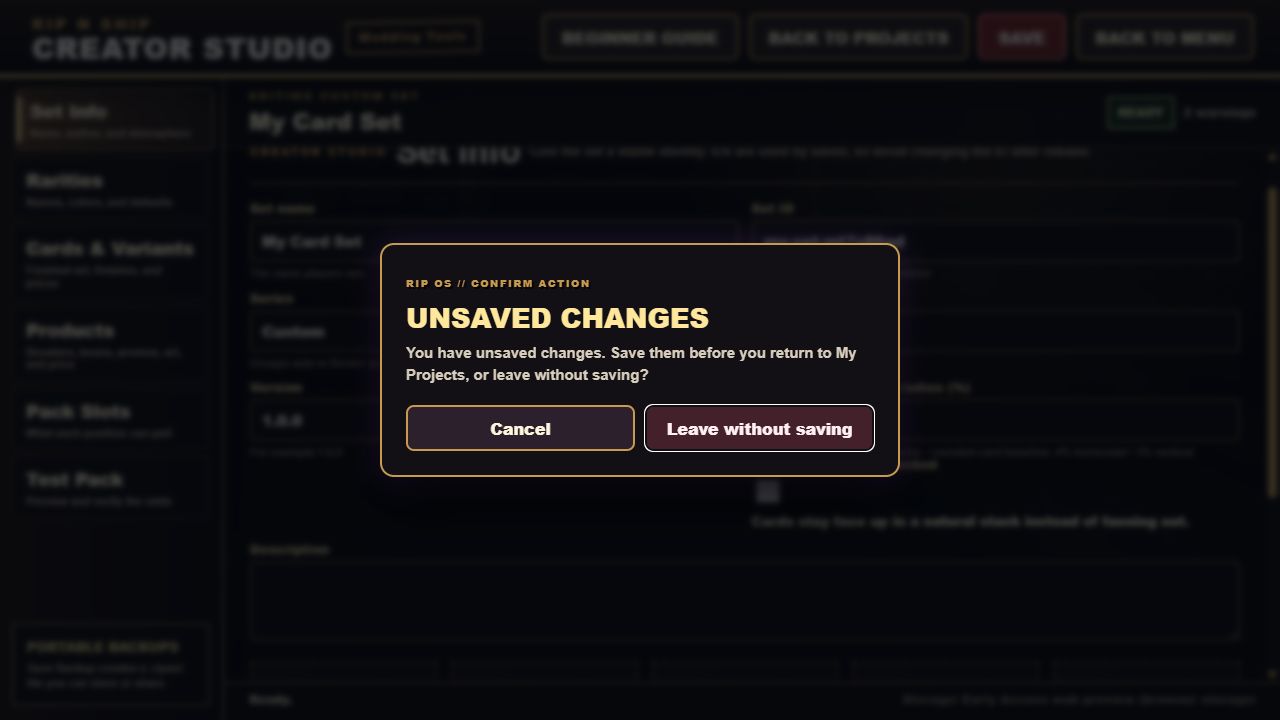
Creator Studio warns before navigation that would discard changes. Back to Projects returns to the dashboard without leaving for the main menu.
Recommended learning path
- Build a one-card practice set.
- Add a second rarity and variant.
- Create one product and one guaranteed slot.
- Test the pack.
- Add more cards and tune odds.
- Save a
.ripsetbackup. - Publish only after every red issue is fixed.
Finished art goes in
Creator Studio does not draw borders, names, rules text, or logos onto card art. Import finished card fronts and backs.